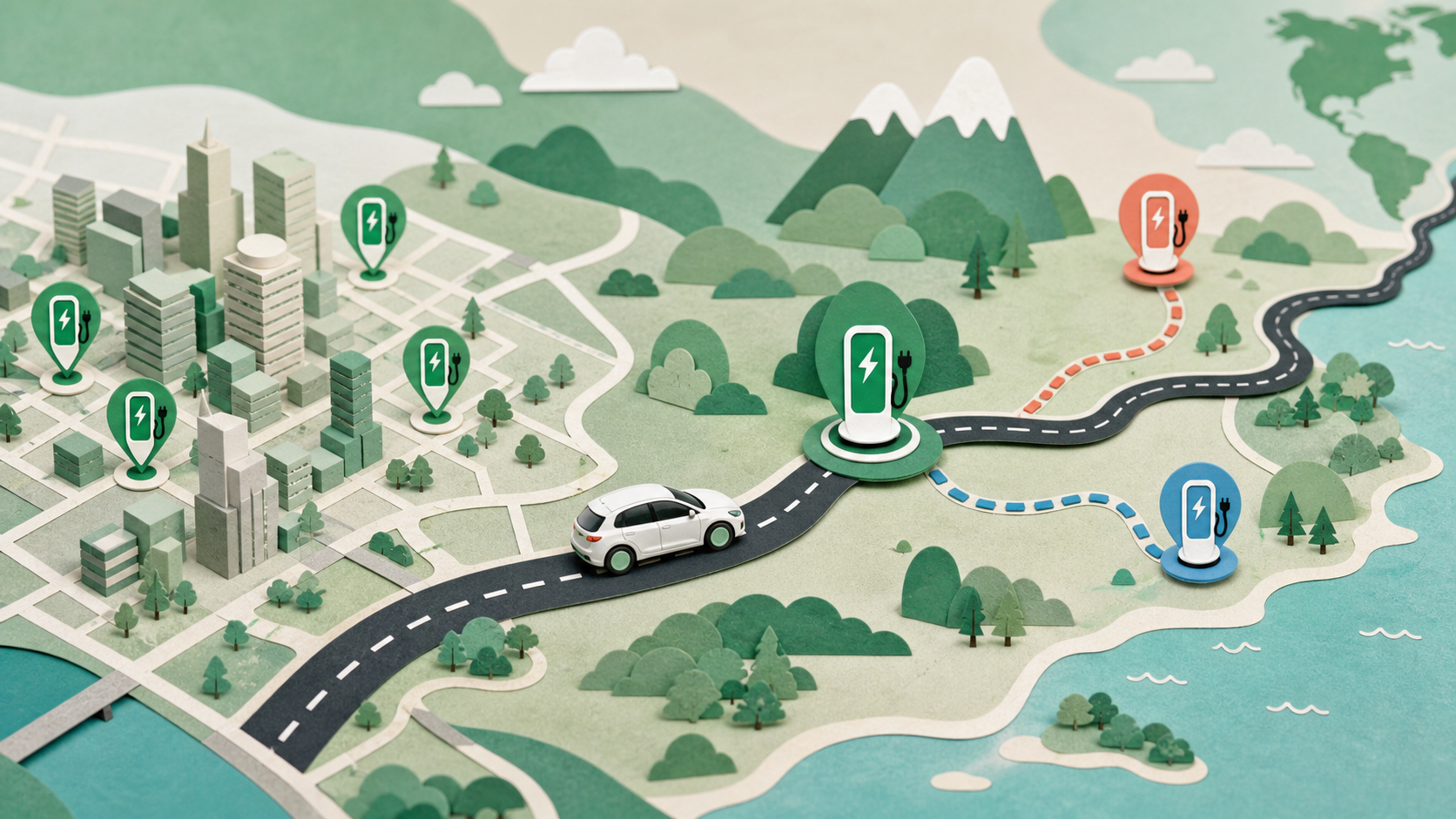
Finding an EV charger is not just a search for the closest pin. The useful answer is the closest compatible, accessible and working station—or, on a trip, the stop you can reach with a sensible battery reserve. Start with the PlugSphere worldwide charging-station map, choose a connector your car can use, compare power and access, and keep a backup before you drive.
This guide explains how to find EV charging stations near you and along a route, what Google Maps, Apple Maps and Waze can actually do, and how to avoid the common mistakes that turn a short charging stop into a long detour.
The fastest way to find an EV charging station near you
Use this five-step check instead of choosing the first result labelled “EV charging stations near me”:
- Search around your real location. Open the EV charging station map, allow location access if you are comfortable doing so, or move the map to the area you will visit.
- Filter by connector. Check the connector listed in the vehicle manual or beside its charge port. Connector names vary by region: Type 2 and CCS2 are common in Europe, while J1772 and CCS1 are common in North America. Tesla access also varies by site, country, vehicle and adapter.
- Compare usable power. A charger may advertise 150 kW or 350 kW, but the car controls how much it accepts. For AC charging, the vehicle's onboard charger is another limit. More advertised power does not automatically mean a shorter stop.
- Check access and payment. Look for opening hours, car-park restrictions, subscriptions, roaming support, contactless payment and any parking or idle fee.
- Verify important stops. Station data can change. Before a long detour, check the operator's current listing for availability, price and access, then save a nearby backup.
PlugSphere uses worldwide Open Charge Map data. Open Charge Map combines official feeds with community contributions, so it is useful for broad discovery but should not be treated as a guarantee that every status or price is live. That distinction is important for every public map, especially where a network controls the charger but a separate map displays it.
How to see EV charging stations on your route
For a local search, distance may be enough. For a road trip, the better question is: which compatible charger can I reach with my chosen reserve, and what is plan B?
Open the EV route planner and enter a start, destination, battery size, starting charge, target arrival reserve, efficiency and connector. The planner can turn route distance into an energy estimate, rank suitable stops and surface backups near the route.
A robust charging plan should consider:
- the battery percentage you expect to have on arrival;
- the vehicle's real consumption, including weather, speed and elevation where data is available;
- connector compatibility and the vehicle's AC or DC charging limit;
- charger power, likely charging time and detour distance;
- access hours, network eligibility and payment method;
- at least one compatible backup inside a practical radius.
Do not plan to arrive at zero. A reserve gives you room for a closed entrance, a busy charger, colder weather or higher consumption than expected. The right reserve depends on the car, route, conditions and driver; it is an input, not a universal percentage.
How to choose the right charging station
The “best charging station” depends on the trip. A slower charger beside a hotel can be better than a rapid charger across town; on a motorway, power and reliability matter more.
| Check | Why it matters | What to verify |
|---|---|---|
| Connector | Physical compatibility comes first | Vehicle inlet, cable, approved adapter and site rules |
| Effective power | The slower limit controls the session | Charger rating, vehicle DC curve or onboard AC limit |
| Access | A map pin may sit behind a gate | Opening hours, parking rules, membership and vehicle restrictions |
| Current status | Listings and hardware can change | Operator status, recent reports and number of working plugs |
| Total price | The energy tariff may be only one charge | Per-kWh or per-minute rate, session, tax, parking and idle fees |
| Detour and backup | A “nearby” charger may be awkward to reach | Road access, return direction and alternative sites |
| Amenities | Time at the stop still matters | Toilets, lighting, food, shelter and overnight access |
No single map can guarantee the most accurate data for every network worldwide. A practical combination is a broad station map for discovery, vehicle navigation for energy-aware routing where supported, and the operator's own app or site for last-minute status and payment.
Google Maps EV charging stations: what works on a phone
Yes, Google Maps can find EV charging stations. In the mobile app, search for charging stations and use the plug filter. Where Google's EV vehicle profiles are supported, open your profile picture, choose Settings, then Your vehicles, set the engine type to Electric, add the vehicle details if offered, and confirm the compatible plugs.
Google describes this as an Electric engine type or EV vehicle profile—not a universal button called “EV mode.” Availability varies by country. For compatible EV profiles on recent app versions, Google may also estimate battery use for a trip, but Google says that phone prediction uses the vehicle information you supplied and is not a live connection that adjusts to current driving conditions.
Google documents search and connector filtering, but it does not document a setting that permanently forces every charger to stay visible on the mobile map. If chargers do not appear, search the category again, check the map area and zoom, and review the vehicle and plug filters.
Phone Google Maps versus Google Maps built into an EV
This distinction answers much of the confusion about Google Maps charging stops:
- Google Maps on a phone can discover chargers, store an EV profile in supported countries and filter compatible plugs.
- Google Maps built into a compatible electric car can use vehicle information to show predicted arrival battery, warn when a destination may be out of range and automatically add charging stops when needed. Google says availability depends on the manufacturer, region and data plan.
If Google Maps is not adding charging stops, the route may be within the predicted range, or the phone, car, region or built-in system may not support automatic charging assistance. Add a charger manually or use the battery-aware EV route planner.
Google Maps may show Tesla Supercharger locations, but a map listing does not prove that a specific non-Tesla EV can use that site. Confirm the connector, approved adapter and vehicle eligibility in Tesla's app or official charger map before relying on it. Tesla vehicles can use their built-in Trip Planner to add Supercharger stops based on state of charge and route conditions.
Google Maps vs Apple Maps vs Waze vs a dedicated EV map
There is no honest worldwide winner for “the most accurate EV charging app.” The products solve different parts of the journey, and availability changes by country, vehicle and charging network.
| Option | Strongest use | Important limitation |
|---|---|---|
| Google Maps mobile | Nearby search, directions and compatible-plug filters | Automatic energy-aware stops are not documented for every phone |
| Google Maps built into supported EVs | Arrival-battery estimates and automatic charging assistance | Depends on vehicle, manufacturer, region and data plan |
| Apple Maps EV routing | Charge-stop routing through compatible vehicles | Only select vehicles and areas; setup may require CarPlay or a maker app |
| Waze | Nearby and along-route charger discovery with plug/network filters | Waze does not promise universal battery-aware multi-stop planning |
| Tesla navigation/app | Supercharger planning and Tesla site eligibility | Access for non-Tesla EVs varies by site, car, connector and adapter |
| Operator app | Current status, access, price and starting a session on its network | It may not cover competing networks |
| PlugSphere map | Worldwide cross-network discovery and compatibility filtering | Some underlying data is community supplied; verify critical stops |
Waze can show EV charging stations in supported countries. In Waze, open Settings, Vehicle details, then Electric vehicles, enable EV features, and add your plugs and preferred networks. Waze documents nearby and along-route charger search; it should not be confused with a universal automatic battery planner.
Apple Maps EV routing can add charging stops and consider charge and elevation when paired with a compatible vehicle. Apple says vehicle, area and provider availability varies, and live charger availability is limited. If the EV routing option does not appear, check the vehicle maker's supported setup rather than assuming every CarPlay vehicle has it.
Free EV charging maps, free stations and European coverage
A free electric-car charging map can mean two different things. The map may be free to search, while the electricity is paid. A station marked free may still sit in paid parking or apply a session or idle fee. Always open the station details and confirm the operator's current terms.
To look for free electric-car charging points near you, search the area, inspect cost information where available and verify it with the site or network. PlugSphere does not label a station free unless the underlying record supports that claim, and even then local conditions can change.
For EV charging stations in Europe, Type 2 is the standard interoperable AC connector and CCS Combo 2 is the standard for DC high-power charging under the European framework. That does not make every site equally accessible: network membership, roaming, contactless payment, cable requirements and car-park rules still vary by country and operator. The European Alternative Fuels Observatory offers an official regional infrastructure view, while a worldwide map is useful when a trip crosses beyond that coverage.
How to use a public EV charging station for the first time
The screen and authentication method vary, but this sequence works as a practical checklist:
- Park without blocking another connector and read the site instructions.
- Confirm that the connector fits your vehicle and that the site allows your vehicle or adapter.
- Check the price, parking limit and idle-fee rules before starting.
- Authenticate in the order shown: this may use Plug & Charge, an operator app, RFID card, QR flow or contactless bank card.
- Connect the cable when instructed and wait for both the charger and car to confirm that energy is flowing.
- Monitor the session. Do not assume that a connected cable means charging has started.
- Stop the session as instructed, unlock the charge port, unplug without forcing the connector, return a tethered cable neatly and move the car when finished.
ChargePoint, for example, supports app-based starts, an activated RFID card and—in supported markets—Tap to Charge. Other networks use different methods. You do not always need an app, and payment is not universally “before” or “after”: a network may place a temporary authorization before the session and settle the final amount afterward.
Many cars lock the connector while the vehicle is locked or charging, which discourages another person from unplugging it. The exact behavior varies by vehicle and site. End the session and unlock the car before removal, and never force a stuck connector.
Level 1, Level 2 and DC fast charging
In North American terminology, Level 1 normally means 120-volt AC charging. Level 2 uses 208- or 240-volt AC and commonly spans a much wider power range. “Level 3” is an informal label often used for DC fast charging; comparing the connector, charger kW and the car's accepted power is clearer worldwide.
The U.S. Department of Energy gives broad examples of about five miles of range per hour for Level 1 and about 25 miles per hour for a common 7.2 kW Level 2 installation. DC fast equipment can add far more in a short stop, but the actual rate depends on the car, battery state, temperature and charging curve. Level 1 is not inherently bad for an EV—it is simply slow and must use suitable, approved equipment and a safe circuit.
There is a separate CCS2 terminology trap. The labels L1, L2 and L3 beside Type 2/CCS2 contacts identify the three AC phase conductors. They do not mean charging speed Levels 1, 2 and 3. CCS2 adds two large DC contacts below the Type 2 portion for DC fast charging.
Use the EV charging-time calculator to compare charger power with the car's own AC or DC limit, starting battery, target battery and an estimated fast-charge taper.
How much does it cost to charge an electric car to 100%?
There is no worldwide fixed price. Calculate the energy added rather than multiplying the tariff by the full battery unless the car truly starts empty:
Battery capacity × percentage added ÷ charging efficiency = energy drawn from the charger.
Multiply that energy by the local tariff, then add any tax, session, parking and idle fees. Some networks charge per kWh, some per minute or session, and some use subscriptions. The EV charging-cost calculator accepts a local currency and separates those fees so the result remains useful worldwide.
A “7.2 kW charger” describes maximum power, not its purchase price or session cost. In one hour it can deliver at most about 7.2 kWh before losses, and the vehicle may accept less. Charger hardware prices are a separate local shopping and installation question.
Charging to 100%, battery life and leaving an EV parked
There is no universal best percentage for every EV. Battery chemistry and manufacturer software differ. Some makers recommend a lower daily target for certain nickel-based packs while recommending regular 100% charging for particular lithium iron phosphate packs. Use the target shown by the car or stated in the current owner manual.
Charging to 100% can be useful before a long trip, but the final part of a DC fast-charge session is often slower. Avoid treating “80%” or “100%” as a rule for every model. Regular AC charging can be convenient, including overnight, if the equipment is suitable; the daily target should still follow the manufacturer guidance.
An EV does not expire after eight years. Eight years is often a battery-warranty period, not a failure date. Capacity normally changes gradually with age and use, and climate, charging pattern and chemistry matter. If the car will sit for two weeks, avoid leaving it near empty, reduce unnecessary standby loads and follow its storage instructions; some manufacturers advise leaving specific vehicles plugged in, but that is not a universal rule.
What to do if range is low or a charger fails
An EV normally gives repeated low-charge warnings and may reduce available power before stopping. Do not rely on the final displayed kilometre or mile. Move safely off the road while the car still has power and contact roadside assistance. Follow the manufacturer's towing instructions because using the wrong towing method can damage a vehicle.
At a charger, never use damaged equipment, defeat a safety interlock, stretch a cable across traffic, or force a hot or stuck connector. If charging will not start, re-check authentication and the vehicle's charge schedule, try another compatible stall, report the fault, and switch to the backup you saved earlier.
The best map is a verified plan, not just a pin
The best way to find EV charging stations is a layered workflow: discover broadly, filter for the car, plan energy on longer routes, verify the selected network and keep a backup. Find a compatible charger now, or plan charging stops and ranked alternatives before your next trip.